| Skinning / Themes Discussion Skinning and themes questions and discussion. |
 |
|

01-11-2008, 12:05 PM
|
|
My iPhone is a Part of Me
|
|
|
|
|
[GUIDE] How to Upload BatteryThemes
 After getting a lot of Emails on how to do this, I decided to Put this Quick Guide up.
In this Guide you will learn how to Load up New Battery Themes on your iphone After getting a lot of Emails on how to do this, I decided to Put this Quick Guide up.
In this Guide you will learn how to Load up New Battery Themes on your iphone
What is this-: There are 17 graphics that represent the different levels of the charge. These are not too hard to change. This is one of the easiest way to make your phone personal.  .
Note:: If you used Ziphone to free your Phone - You will need to install Ziphone iBriker Fix from installer * Otherwise iphonebrowser is not going to show your phone as Jailbroken.
-: Few Very Basic things you will need :-
- Offcourse a Jailbroken iphone [Thanks Dave team,Nate True & everyone Involved in making the Jailbreak Happen]
- Customize Installed [This can be installed Via Installer if you dont have it]
- iPhonebrowser [Lets to Browse thru your phone create /delete Folders,Drag files, delete Files & much much more]
If you don't have iphone browser you can get it here HERE on Google
iPhoneBrowser
Assuming you have all the required Stuff we are good to go
- Hook up the iphone to the computer useing the usb cable [itunes may startup just close it]
- Now double click iphonebrowser
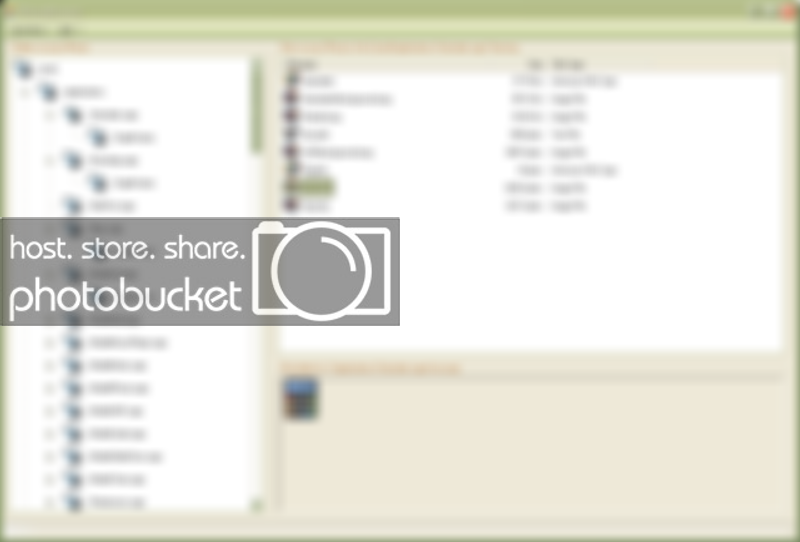
- You should see that the iphonebrowser recognized your device and will show the folders on your device in the Left hand side Menu. Refer to the screenshot of iphonebrowser to help you understand a little better
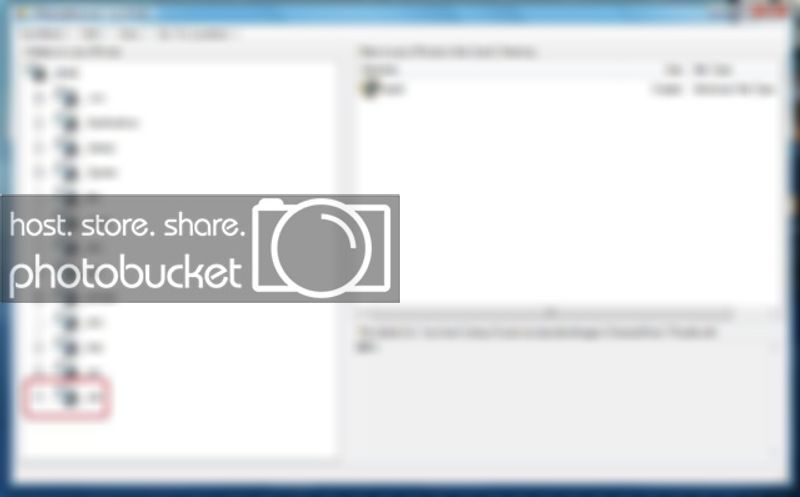
- Now Look in the left Menu of iphonebrowser All the way at the bottom you will see A Folder called [ Var ]
Go to The Following Location useing the iphonebrowser
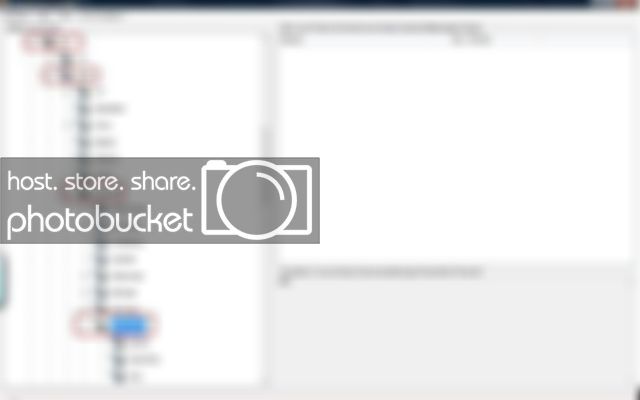
- Go to Var >>Root>>Liberary>>Customize>>>BatteryImages
- Now Right Click on BatteryImages & Create a New Folder Under BatteryImages, In this case we Will Name this One "Example" [You can Name this Folder whatever You want]
- So after creating the new folder we should have this :
- VAR>>Root>>Liberary>>Customize>>>BatteryImages>>Ex ample
- If you have the downloaded a Battery theme and extracted it allready You are ready to upload it.... otherwise Hit the download section
- Open the theme folder and Drag ALL THE FILES from the Theme Folder Into "Example FOLDER"
In this location
VAR>>Root>>Liberary>>Customize>>>BatteryImages>>Ex ample
After All Files are Copied Over You are ready to use the Theme
GO to Customize on your iphone
Then go to Battery Images you should see your New Theme There. In this case its under "Example" Refer to ScreenShot for better understanding
Just click the New battery Image And Press Ok - press Home Key your device will reset if its still plugged in cool if not then plug into Power & if you have done everything correct your new battery should Light up your Face
Troubleshooting:
Issues
- you have all the 17 images show up in Customize
- You Select your theme and still have the default battery
- Your Theme doesn't show up in customize
- All other Issues
Soultion
The good thing is that Only Few things can be Wrong
First Nameing Format for customize
Wrong Format -: Example_1
Correct Format -: Example-1
- Make sure there are only 17 Files in the theme.
- Make sure all 17 files are Named correctly.
Naming Format should be as follows-:
[we are going to name this theme "Example"]
So this is what it should look like
- Example
- Example-1
- Example-2
- Example-3
- Example-4
- Example-5
- Example-6
- Example-7
- Example-8
- Example-9
- Example-10
- Example-11
- Example-12
- Example-13
- Example-14
- Example-15
- Example-16
( In some themes u may see that it has Example-17(18Images)that is ok i have tested those on my customize they work !Just make sure the naming Formats are correct)
Thanks Goes out to
MMi
iPhoneBroswer Creator/Creators
Customize Creator/Creators
Dev Team
Geo Hots
Everyone else who is involved in any manner |
Last edited by jayc7176; 05-03-2008 at 08:27 PM.
Reason: Updated info
|
|
The Following 18 Users Say Thank You to jayc7176 For This Useful Post:
|
alogalog (06-13-2008), Apple iPie (03-27-2008), cash7c3 (03-14-2008), DTFOE3 (03-03-2008), joneseyy21 (03-11-2008), kjsuser (03-01-2008), Kredig (04-01-2008), Maumin (04-30-2008), nakisses (01-28-2008), pimpsc00by (03-26-2008), Ryo_Ohki2 (01-16-2008), songho2007 (05-21-2008), soulthoughts (01-11-2008), studiorat (06-21-2008), Tippy (06-28-2008), tohack (01-17-2008), tonski21 (05-05-2008), xxki11switchxx (01-18-2008) |
01-11-2008, 03:38 PM
|
 |
My iPhone is a Part of Me
|
|
|
|
|
|
Nice tutorial. Now I can direct people to this when I get PMs about uploading battery images.
|
|
|
The Following User Says Thank You to soulthoughts For This Useful Post:
|
|
01-11-2008, 05:10 PM
|
|
My iPhone is a Part of Me
|
|
|
|
|
Quote:
Originally Posted by soulthoughts

Nice tutorial. Now I can direct people to this when I get PMs about uploading battery images.
|
True! Soulthoughts!! I had to put it up man..!
By the way i saw ur work! Simply GREAT!
Can u wip a carrier Logo for me ? Saying " Punjabi " or "Cheema"
|
|
01-11-2008, 05:31 PM
|
|
My iPhone is a Part of Me
|
|
|
|
|
Quote:
Originally Posted by jayc7176
True! Soulthoughts!! I had to put it up man..!
By the way i saw ur work! Simply GREAT!
Can u wip a carrier Logo for me ? Saying " Punjabi " or "Cheema"
|
I put a link to your guide in my sig....and here are the carrier logos. I took liberties with the fonts since you didn't name one. |
|
|
The Following User Says Thank You to soulthoughts For This Useful Post:
|
|
01-11-2008, 07:18 PM
|
|
My iPhone is a Part of Me
|
|
|
|
|
Quote:
Originally Posted by soulthoughts
I put a link to your guide in my sig....and here are the carrier logos. I took liberties with the fonts since you didn't name one.
|
Thanks!!!!!!
I trusted you with the Fonts ..Allways let the Expert take over when it comes to this kinda stuff! Those Are Perfect!!! Thanks!
I see that! Perfect ! the word is out ! .. i have seen a lot off people jus wonder how to get the battrey themes up .. well i hope this will help
Thanks once again! |
|
01-12-2008, 12:24 AM
|
|
Green Apple
|
|
 Join Date: Jan 2008 Join Date: Jan 2008 Posts: 30
Thanks: 1
Thanked 1 Time in 1 Post
|
|
|
|
What if your Battery Theme consists of a series of images? For instance the Stiletto Theme has BatteryBG_1.png, BatteryBG_2.png.....And so on. When they show up in Customize it shows all the icons. How do I know what one to pick?
|
|
01-12-2008, 11:43 PM
|
|
What's Jailbreak?
|
|
Join Date: Dec 2007
Posts: 25
Thanks: 2
Thanked 1 Time in 1 Post
|
|
|
Yeah, I have the same problem  |
|
01-13-2008, 02:43 AM
|
|
My iPhone is a Part of Me
|
|
|
|
|
Quote:
Originally Posted by ballaholyk84
What if your Battery Theme consists of a series of images? For instance the Stiletto Theme has BatteryBG_1.png, BatteryBG_2.png.....And so on. When they show up in Customize it shows all the icons. How do I know what one to pick?
|
Quote:
Originally Posted by tiger1981
Yeah, I have the same problem |
Hey ballaholyk84 you won't be able to use any one those if they are all showing up
Issue there is that the theme isnt named correctly 
Props to whoever created this theme But the Entire theme isn't named correctly here i corrected it relle quick for u . Jus get it from here
- Wrong Naming Format: BatteryBG_1.png
- Correct Nameing Format is: BatteryBG-1.png
tiger1981 - You should try the same thing .. try looking into Naming formats ..
|
Last edited by jayc7176; 01-13-2008 at 03:18 AM.
|
01-16-2008, 11:30 PM
|
 |
iPhone? More like MyPhone
|
|
|
|
|
|
your a fellow punjabiii mann:}
niceee
makes me feel welcome too haha
i might just use those now
its okay right?
your a fellow punjabiii mann:}
niceee
makes me feel welcome too haha
i might just use those now
its okay right?
|
__________________
running XP :[ suckss 
oh btw hit that "thanks" button
Last edited by ankitsid; 01-16-2008 at 11:30 PM.
Reason: Automerged Doublepost
|
|
The Following 2 Users Say Thank You to ankitsid For This Useful Post:
|
|
01-17-2008, 12:04 AM
|
|
My iPhone is a Part of Me
|
|
|
|
|
Quote:
Originally Posted by ankitsid
your a fellow punjabiii mann:}
niceee
makes me feel welcome too haha
i might just use those now
its okay right?
your a fellow punjabiii mann:}
niceee
makes me feel welcome too haha
i might just use those now
its okay right?
|
Punjabi all D way
He he! Sure go right ahead .... |
|
|
The Following User Says Thank You to jayc7176 For This Useful Post:
|
|
01-18-2008, 12:45 PM
|
|
What's Jailbreak?
|
|
Join Date: Dec 2007
Posts: 1
Thanks: 0
Thanked 0 Times in 0 Posts
|
|
|
|
How to go to Customize on my iphone
|
|
01-18-2008, 01:49 PM
|
|
My iPhone is a Part of Me
|
|
|
|
|
Quote:
Originally Posted by OrionX
How to go to Customize on my iphone
|
I am not sure if i understand the question right ?
But here is some basic info / You have to have it installed on your device . .
If you dont have customize you can get it Via Installer . . .very easy to install... |
|
|
The Following User Says Thank You to jayc7176 For This Useful Post:
|
|
01-18-2008, 02:11 PM
|
|
iPhone? More like MyPhone
|
|
|
|
|
|
then you tap on the icon
and wabam your in customize
it might crash the first time
idk mine did that
by ur source ill take it ur name is shai?
that and uhm for the battery icon can u not have like an image for every percent so it counts like up from 1 to 100?
or only 17?
|
__________________
running XP :[ suckss
oh btw hit that "thanks" button
Last edited by ankitsid; 01-18-2008 at 02:11 PM.
Reason: Automerged Doublepost
|
|
The Following User Says Thank You to ankitsid For This Useful Post:
|
|
01-18-2008, 04:42 PM
|
|
My iPhone is a Part of Me
|
|
|
|
|
Quote:
Originally Posted by ankitsid
then you tap on the icon
and wabam your in customize
it might crash the first time
idk mine did that
by ur source ill take it ur name is shai?
that and uhm for the battery icon can u not have like an image for every percent so it counts like up from 1 to 100?
or only 17?
|
nah Shai** is my friend.. he just releases all the Stuff for me..
Can't have 1 to 100% lol Since the phone is only programmed to handle 17 images... man adding 100 images would be imposssible in customize .  but a good idea |
|
|
The Following User Says Thank You to jayc7176 For This Useful Post:
|
|
01-18-2008, 04:57 PM
|
|
iPhone? More like MyPhone
|
|
|
|
|
|
haha ohh
i guess itd be pointless too
u wouldnt really pay attention too it that much
i want one that looks like a speedometer thatd be awesome
haha i tried making unlock screen with icons and everything
it came out horrible
im just in my 6th month of photoshop
|
__________________
running XP :[ suckss
oh btw hit that "thanks" button
|
|
The Following 2 Users Say Thank You to ankitsid For This Useful Post:
|
|
|
|
| Thread Tools |
|
|
| Display Modes |
 Linear Mode Linear Mode
|
 Posting Rules
|
You may not post new threads
You may not post replies
You may not post attachments
You may not edit your posts
HTML code is Off
|
|
|
|
|
Copyright © 2007-08 by ModMy, LLC. All rights reserved. You may not copy anything on this site unless you link to the original.
All times are GMT -6. The time now is 04:07 AM.
Powered by vBulletin® Version 3.7.1 Copyright ©2000 - 2008, Jelsoft Enterprises Ltd.
SEO by vBSEO 3.2.0 RC5
ModMyiFone.com is an independent
publication and has not been authorized, sponsored, or otherwise approved by Apple, Inc or Cisco Systems, Inc. The information contained on this site is for educational purposes only.
Forum skin by poetic_folly
| |
|
 |